
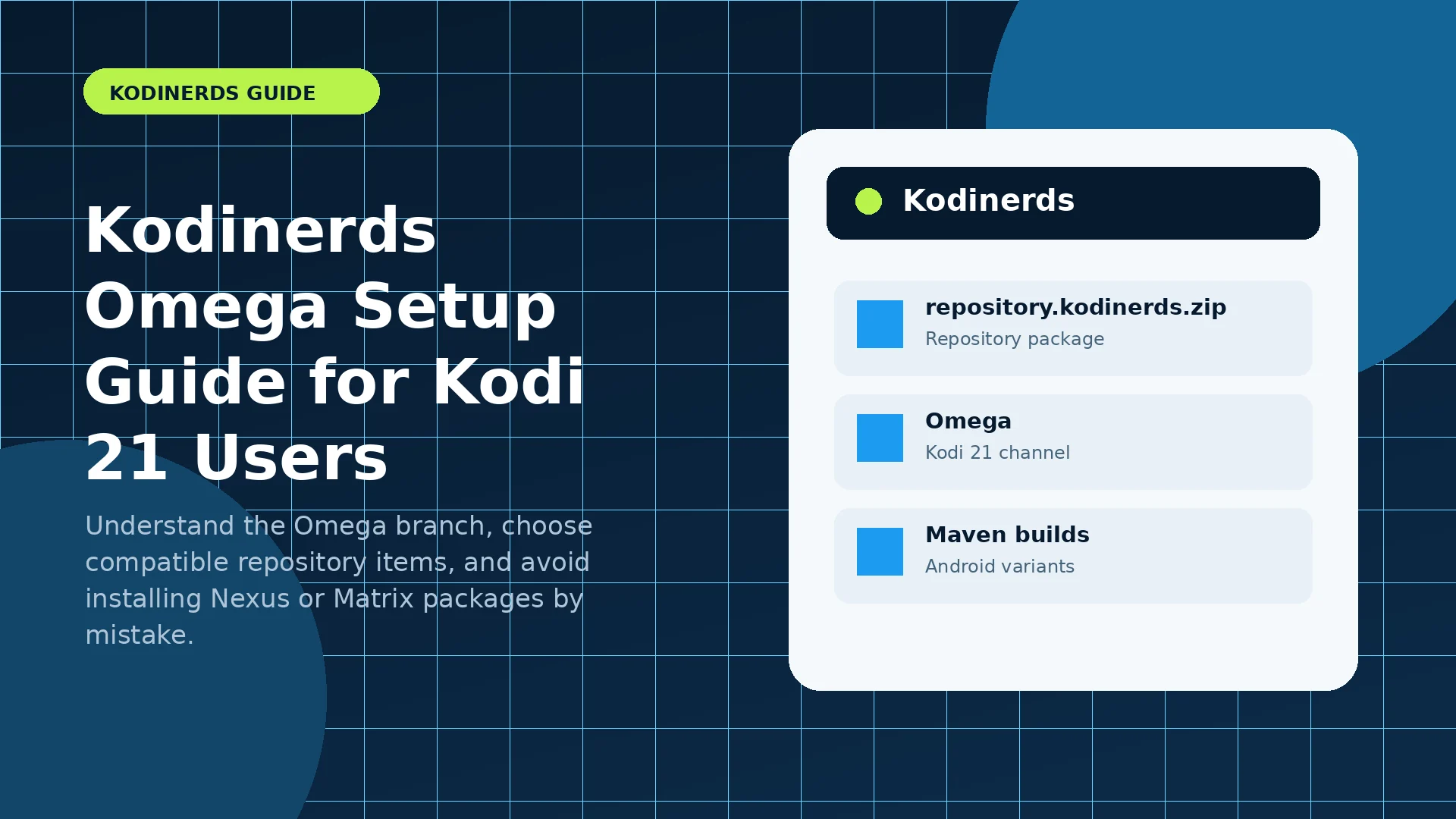
This guide explains the decision points that matter before you install, update, or troubleshoot a Kodinerds package. It separates repository ZIP files from Android APK builds and uses safe wording where a current release detail should be confirmed at the official source.
What “Omega” means in Kodinerds listings
Omega is the codename for Kodi 21. Kodi 21.3 is the current stable Kodi release as of July 26, 2026. In the Kodinerds repository, an Omega label identifies packages or builds intended for that Kodi generation. It is a compatibility marker, not a guarantee that every add-on or device behaves identically.
The most important rule is to match the package branch to the Kodi generation already installed. An Omega repository item may use dependencies that are different from Nexus or Matrix, so branch mixing can produce dependency errors or missing menus.
Check your current Kodi generation
Open Kodi’s system information screen and confirm the major version before choosing a repository branch. If the device is already on Kodi 21, use Omega-compatible repository entries and guides. If it is on Kodi 20, use the Nexus branch unless you intentionally plan a complete upgrade.
An in-place application update can preserve settings, but compatibility still depends on package name, signing, and device architecture. Back up the userdata folder before a major upgrade.
Choose repository add-ons carefully
Browse the Omega category and read each add-on’s description, maintainer information, and dependencies. Community repositories can include skins, services, metadata tools, and media add-ons. Install only what you recognize and need.
If an add-on is absent from the Omega branch, do not force an older ZIP into the installation. The maintainer may not have published an Omega-compatible version, or the add-on may require a different dependency set.
Omega troubleshooting checklist
When an Omega item fails, refresh repository information, confirm the device clock, check free storage, and read the Kodi event log. “Dependency not available” usually points to a branch mismatch, an unavailable dependency, or repository metadata that has not refreshed.
Keep one change at a time. Installing several repositories or builds together makes it difficult to identify which package changed the behavior.
Practical next steps
- Write down the current Kodi generation and Android architecture.
- Confirm whether the file is a repository ZIP or an APK.
- Use one controlled installation or troubleshooting change at a time.
- Keep a known-working backup and review the Kodi event log after errors.
Reference checklist
Before installing anything, manually verify the current package name, Kodi generation, device architecture, and release notes through the project channels you already trust.
- Official Kodinerds repository and latest package listings
- Official Kodi downloads
- Kodi 21.3 “Omega” release announcement
- Kodi 22 “Piers” Beta 1 announcement
No third-party or external links are included on this website.